The CALL Lab is an online platform for practicing coursework in different languages taught in the Department of Humanities and Arts at the Technion. Specific lessons are available for most courses offered by the department, accompanied by detailed feedback.

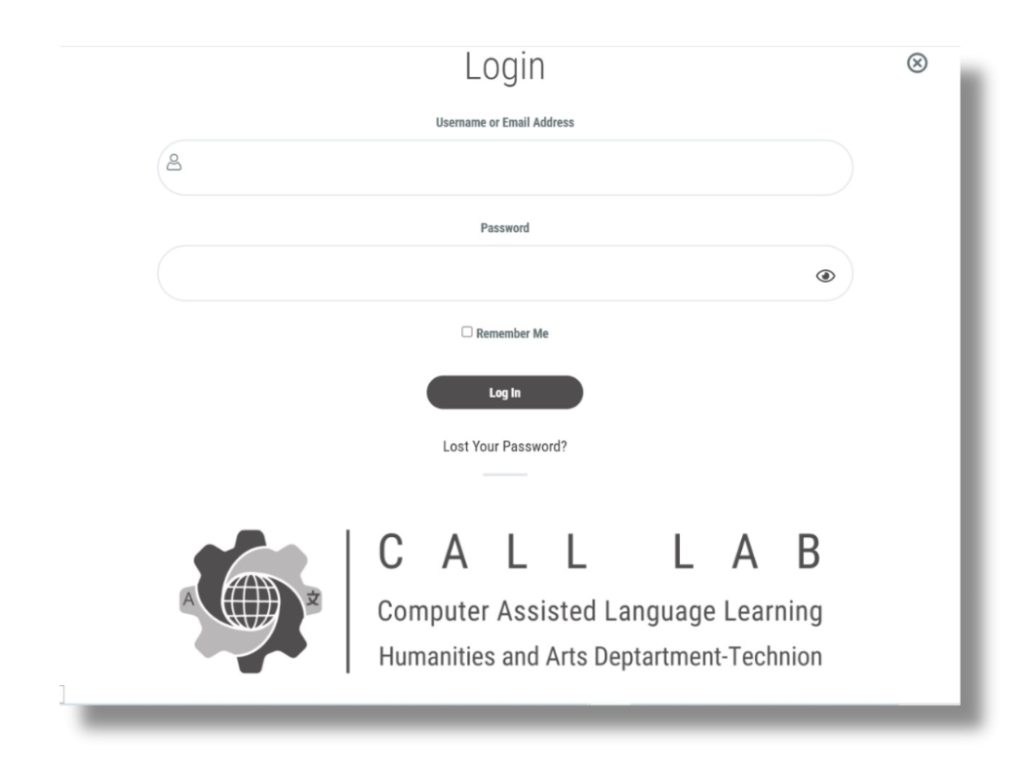
If this is your first time accessing the site, you should register as shown in the video. When accessing the site the second time, you will be automatically identified or you may login by clicking the login button.
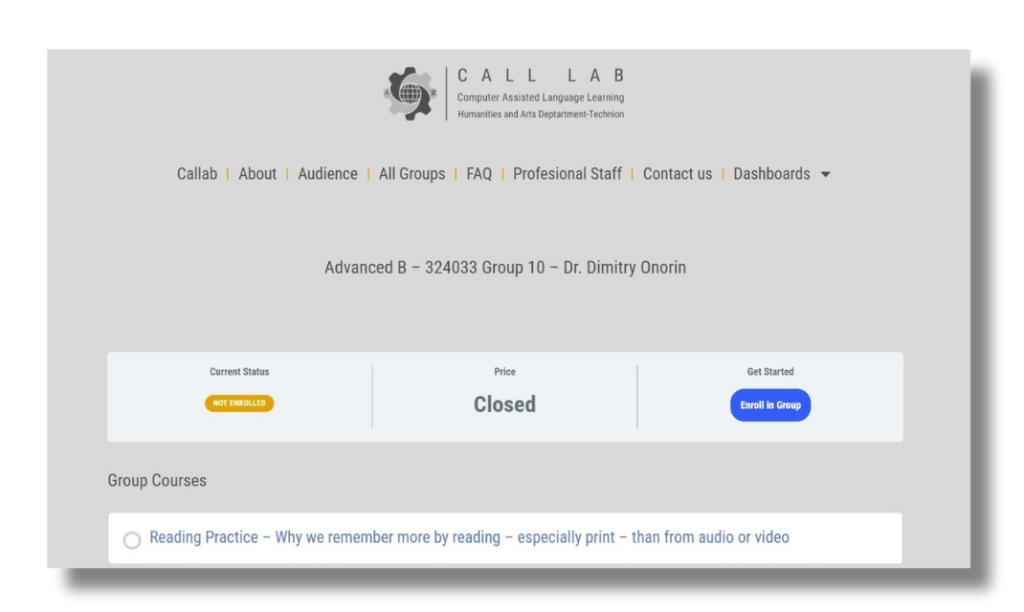
If this is the first time you are joining a group or a unit, choose language and then select the relevant group or unit from the list of links, and on the group page click on "Enroll in group" button. This action must be performed only once, and later you will be able to see all the courses you are enrolled in in the Student Panel.
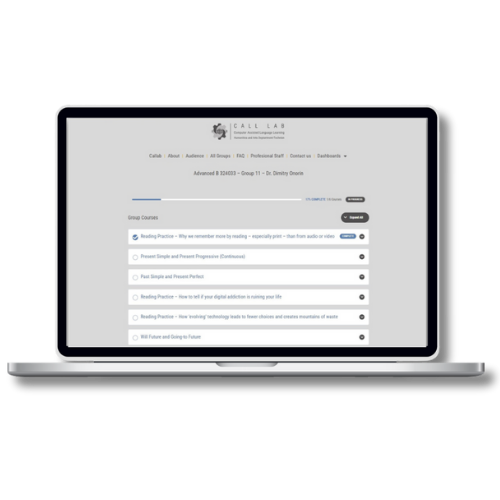
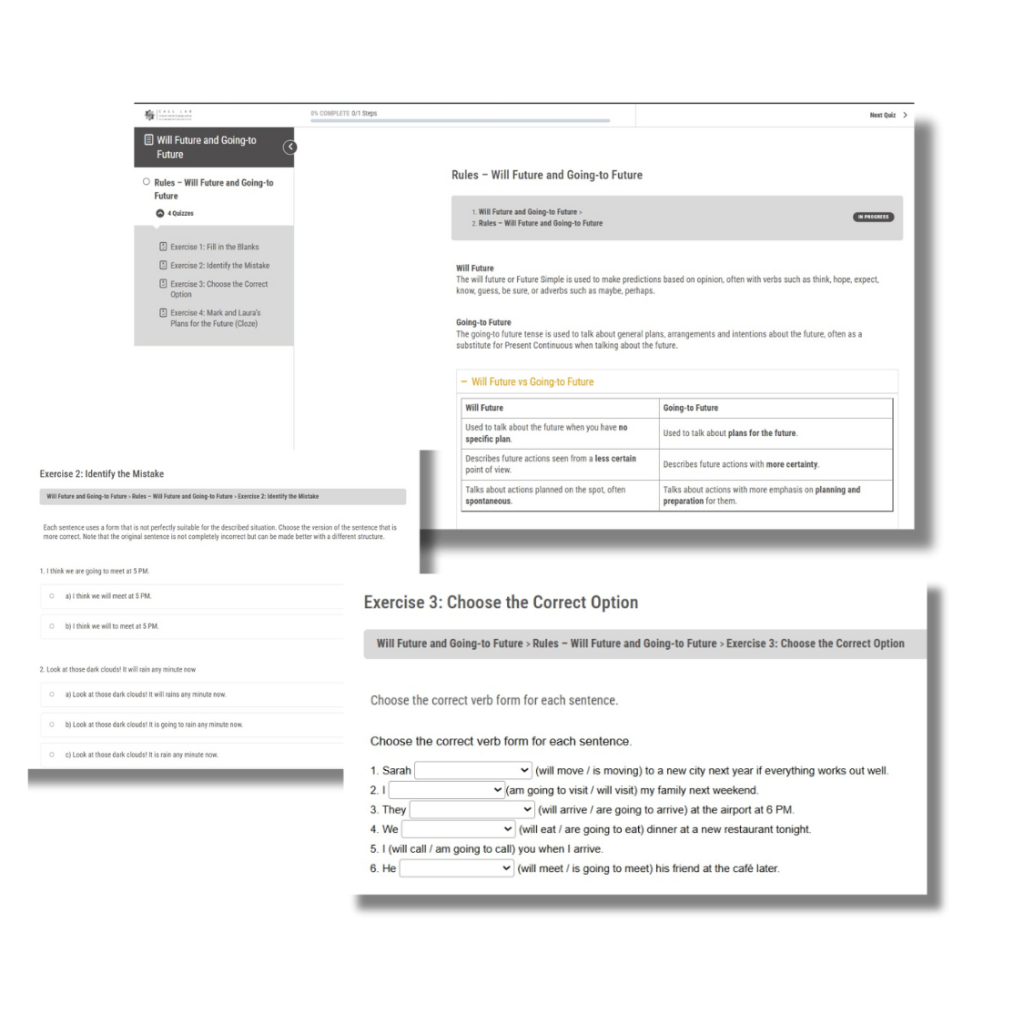
Go to the Student Panel, click on the link of your group, and select the course you want to learn and practice. Now read the lesson's content and complete the quizzes.

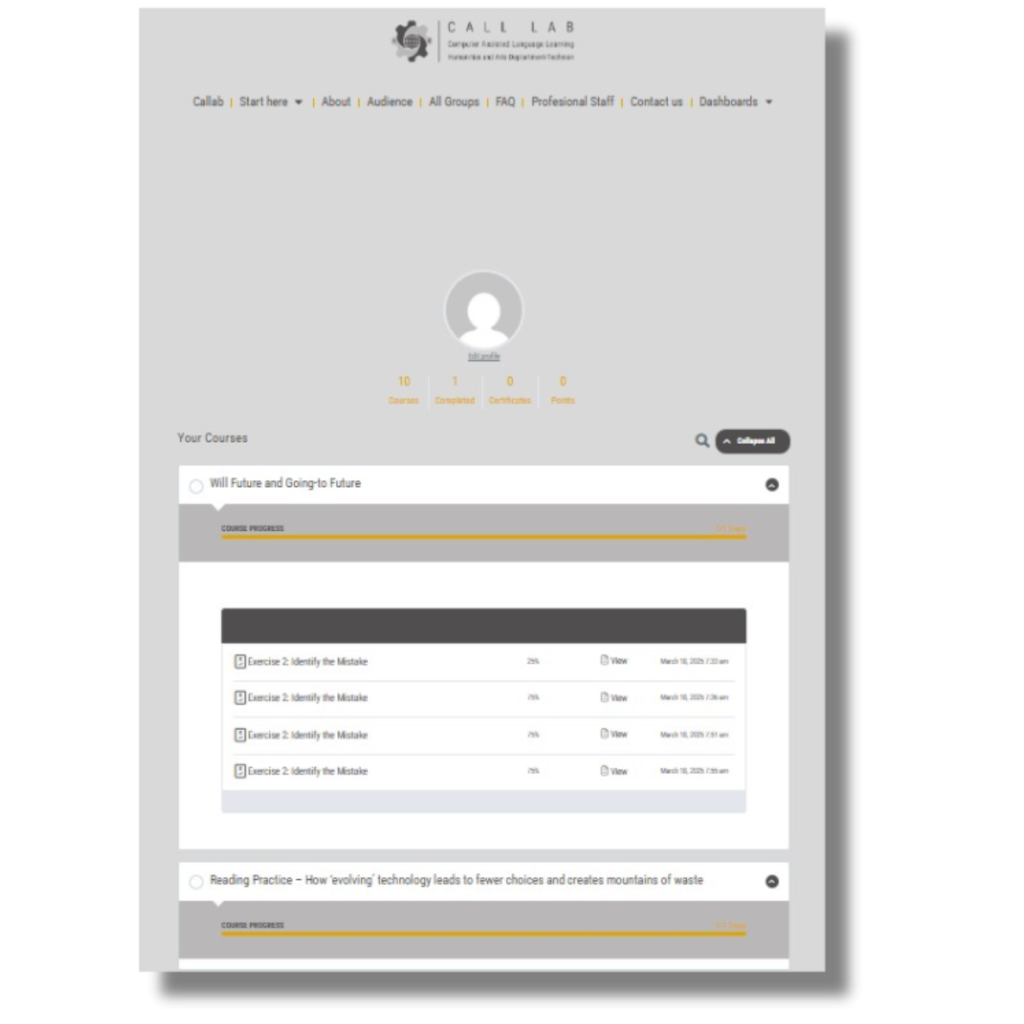
Go to the Student Panel to review completed lessons and quizzes and exercises.
The CALL Lab is an online platform for practicing coursework in different languages taught in the Department of Humanities and Arts at the Technion. Specific lessons are available for most courses offered by the department, accompanied by detailed feedback.
The CALL Lab serves all students enrolled in the various undergraduate and graduate language courses.
All pedagogical content on the CALL Lab site was created by the language teaching team at the Faculty of Humanistic and Arts. Every exercise is revised by the CALL Lab team.
Yes, you may practice each quiz or exercise as many times as you need.
The difference between a quiz and an exercise is related to the technological platform on which they were created.
For you, the student, the difference is that at the end of a quiz-type test you can check the answers by clicking “End Task” and then on “Show Answers”.
In the exercise-type tests, the feedback will be displayed below the exercise, including how many correct answers you provided out of the total number of answers.
In both the quiz and exercise, you must click on “Mark Complete” button when you finish.
Yes, your instructors can view your courses, completed lessons, quizzes and exercises.